
Huawei HCIA-Datacom is open for enrolment. Start learning (opens in a new tab)

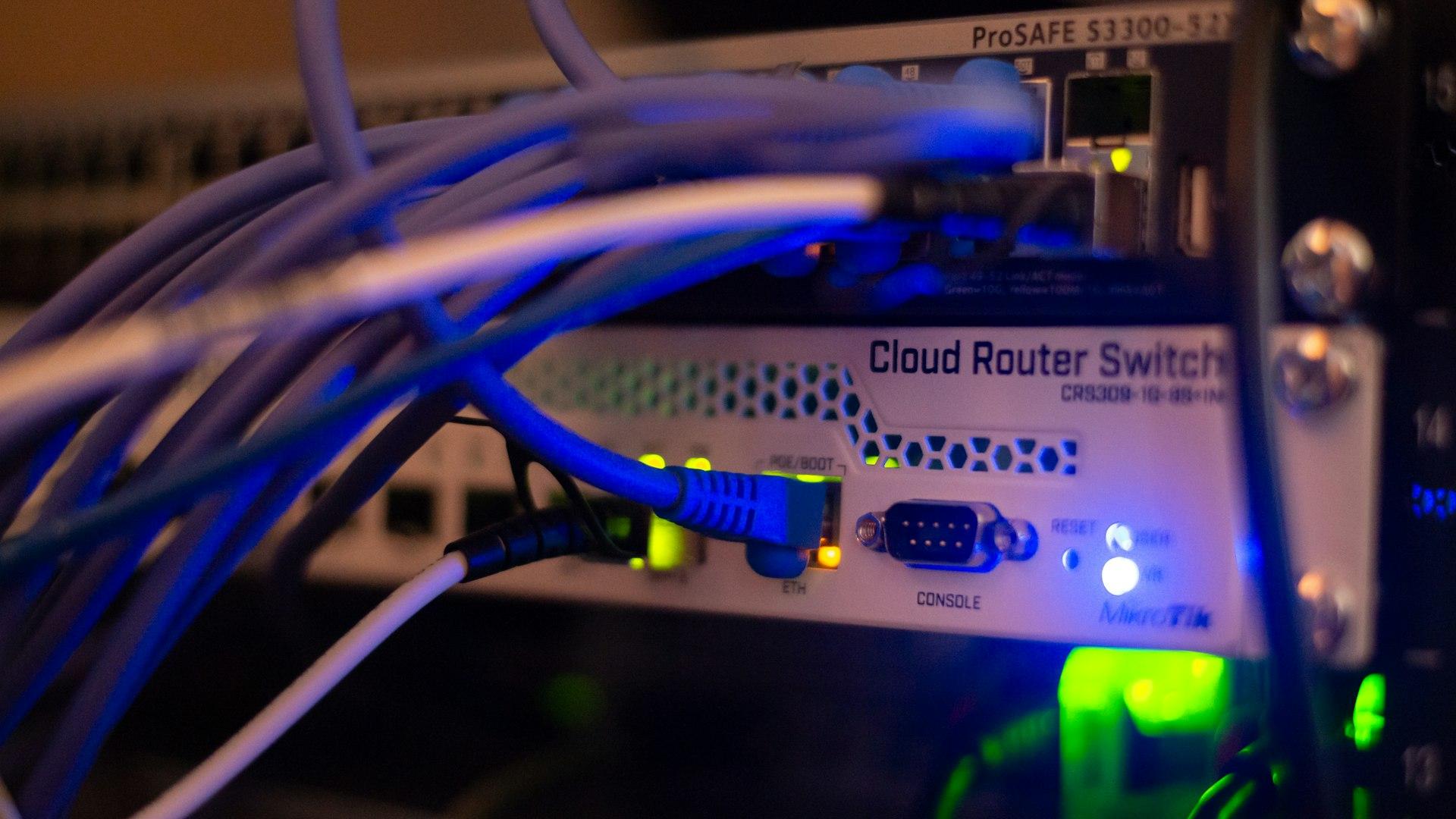
MikroTik Cloud Router Switch in a rack, with blue Ethernet cables plugged into its ports

MikroTik Certified Network Associate (MTCNA) Training Workshop

A three-day, hands-on MTCNA workshop: set up, secure and troubleshoot MikroTik routers running RouterOS.

LiveBeginnerMartin IndecheOnline, English

Course overview

This workshop follows the official MikroTik MTCNA outline. You get to know RouterOS and RouterBOARD hardware, connect clients to the internet, and learn to configure, manage and troubleshoot a MikroTik router.

Each of the nine modules ends with a lab, so every topic you learn in theory you also configure yourself, from DHCP and bridging to firewalls, queues and tunnels.

The workshop starts on Saturday 23 January 2027. Register and we will send you the details as soon as enrolment opens.

What you'll learn

  • Initialise and manage RouterOS: access routers through WinBox, WebFig and the CLI, set up internet access, upgrade RouterOS, and handle backups, exports, resets and Netinstall recovery
  • Configure switching and IP services: build Layer 2 bridges, assign bridge ports, and manage DHCP servers and clients, IP address pools and ARP tables
  • Implement basic routing: read routing tables and route flags, set default gateways and deploy static routes across multi-subnet networks
  • Deploy and secure wireless networks: configure access points and stations, manage channels and regulatory settings, filter devices with access and connect lists, and secure links with WPA2
  • Build firewalls, NAT and QoS: protect routers and client networks with filter rules, configure source and destination NAT (port forwarding), and limit or prioritise bandwidth with Simple Queues and PCQ
  • Set up tunnels and troubleshoot: deploy PPPoE and secure VPN tunnels (L2TP, SSTP, PPTP), and diagnose problems with Torch, Ping, Traceroute, the Packet Sniffer and system logs

Course structure

01Introduction to RouterOS15 topics
  • About MikroTik: what RouterOS and RouterBOARD are
  • First access with WinBox and MAC-WinBox
  • WebFig, Quick Set and the default configuration
  • The command line over a null modem cable, SSH, Telnet and the WinBox or WebFig terminal
  • CLI principles: <tab>, double <tab>, "?", navigation and command history
  • Initial internet access: WAN DHCP client, LAN IP address, default gateway and NAT masquerade
  • Upgrading RouterOS: package types, ways to upgrade and RouterBOOT firmware
  • Router identity
  • Managing RouterOS logins and services
  • Configuration backups: saving and restoring, backup versus export (.rsc) files, editing an export
  • Resetting a RouterOS device
  • Reinstalling a RouterOS device with Netinstall
  • RouterOS licence levels
  • Where to get help: the MikroTik wiki, forum, MUM, distributors, consultants and support@mikrotik.com
  • Hands-on lab
02DHCP7 topics
  • DHCP client
  • DHCP server setup
  • Leases management
  • DHCP server network configuration
  • Address Resolution Protocol (ARP) and ARP modes
  • The RouterOS ARP table
  • Hands-on lab
03Bridging5 topics
  • Bridge concepts and settings
  • Creating bridges
  • Adding ports to bridges
  • Bridging wireless networks with station bridge
  • Hands-on lab
04Routing7 topics
  • Routing concepts
  • Route flags
  • Creating static routes
  • Setting the default route
  • Managing dynamic routes
  • Static routing in a simple network
  • Hands-on lab
05Wireless10 topics
  • 802.11a/b/g/n/ac concepts
  • Frequencies: bands, channels and data rates
  • Chains: TX power, RX sensitivity and country regulations
  • Setting up a simple wireless link: access point and station configuration
  • Access list and connect list
  • Default authenticate and default forward
  • WPA-PSK and WPA2-PSK security
  • WPS accept and WPS client
  • Monitoring with Snooper and the registration table
  • Hands-on lab
06Firewall10 topics
  • Firewall principles: connection tracking and states
  • Structure, chains and actions
  • Filter actions
  • Protecting your router (input chain)
  • Protecting your customers (forward chain)
  • Basic address lists
  • Source NAT: masquerade and src-nat actions
  • Destination NAT: dst-nat and redirect actions
  • FastTrack
  • Hands-on lab
07QoS6 topics
  • Simple queues: target and destinations
  • Max-limit and limit-at
  • Bursting
  • One simple queue for the whole network with PCQ
  • pcq-rate and pcq-limit configuration
  • Hands-on lab
08Tunnels6 topics
  • PPP settings: profiles, secrets and status
  • IP pools: creating pools, managing ranges and assigning them to a service
  • Securing the local network with PPPoE: service name, client and server
  • Point-to-point addresses
  • Securing remote network communication: PPTP client and server (Quick Set) and SSTP client
  • Hands-on lab
09RouterOS tools and monitoring11 topics
  • RouterOS tools: e-mail, Netwatch, Ping, Traceroute and the Profiler (CPU load)
  • Interface traffic monitor
  • Torch
  • Graphs
  • SNMP
  • The Dude
  • Contacting support@mikrotik.com: supout.rif, autosupout.rif and the viewer
  • System logs and debug logs
  • Readable configuration: item comments and names
  • Network diagrams
  • Hands-on lab

Schedule

Start date
Saturday 23 January 2027
End date
Monday, 25 January 2027
Days
Three consecutive days
Time
To be confirmed
Sessions
3 sessions of 1 day
Delivery
Three-day instructor-led workshop

All times are East Africa Time (UTC+3). After you pay, the class link, WhatsApp group and joining instructions are emailed to you.

Your trainer

  • MIMartin IndecheFounder & Lead Trainer

Who this course is for

Ideal for

  • Network engineers and technicians who deploy and support corporate networks
  • Engineers and technicians who support client CPEs at WISPs and ISPs

Prerequisites

  • A good understanding of TCP/IP and subnetting
  • Suggested reading: an IPv4 tutorial (search for "ipv4 tutorial")
  • Optional: try MikroTik's example test at mikrotik.com/client/trainingSessions

More courses

Hand gesturing at a laptop during a live online class, with a webcam on the desk
LiveHuawei
Intermediate

Huawei HCIP Core Technology Theory and Lab: Live Training

Instructor-led HCIP-Datacom Core Technology classes: every topic taught in theory, then configured live in the lab.

  • Starts Saturday 6 February 2027
  • Microsoft Teams
MIMCDMMartin Indeche +2$99Regular price $120Early-bird offer

Laptop screen showing code in a dark editor
LiveMulti-vendor
Beginner

Python for Network Engineers

Automate everyday network tasks with Python: talk to routers and switches, parse their output and build your own tools.

  • Dates to be confirmed
  • Microsoft Teams
DNDavid NgelecheiPrice to be announced
Blue Ethernet cables fanning out from a network switch
RecordedHuawei
Intermediate

Huawei HCIP Core Technology Theory and Lab: Self-paced

The HCIP-Datacom Core Technology course as recorded videos. Work through it level by level, at your own pace.

  • 17 lessons · 5h 10m
  • Release: November 2026
  • 37 students enrolled
MIMCDMMartin Indeche +2$20Regular price $50Launch offer